
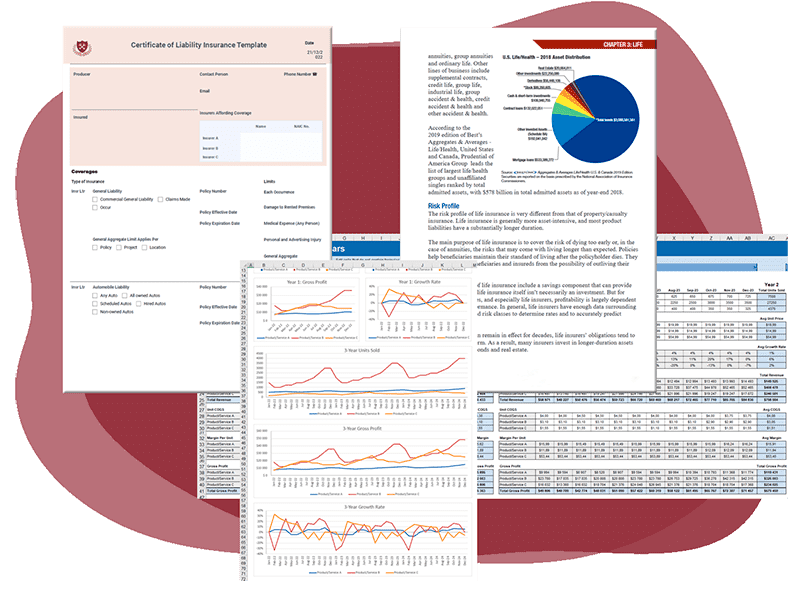


Overview
PDF Focus .Net is designed to help you in development of applications where is necessary to convert any PDF documents. Let's see what API functions PDF Focus .Net can provide for you:
- PDF to Word: DOCX
- PDF to Word: RTF
- PDF to Images: JPEG, PNG, multipage-TIFF, Bitmap, animated GIF
- PDF to Excel: CSV, XLS 97-2003, XLSX
- PDF to HTML
- PDF to XML
- PDF to Text
- Extract Images from PDF
- OCR Support
PDF Focus .Net totally simplifies the development of .NET applications where require to convert PDF documents. Let us say, to provide the method to convert PDF to Word within WPF/XAML or ASP.NET MVC application, you have add only the reference to the "SautinSoft.PdfFocus.dll" and write 3-4 C# lines in your application.
Why choose PDF Focus .Net?
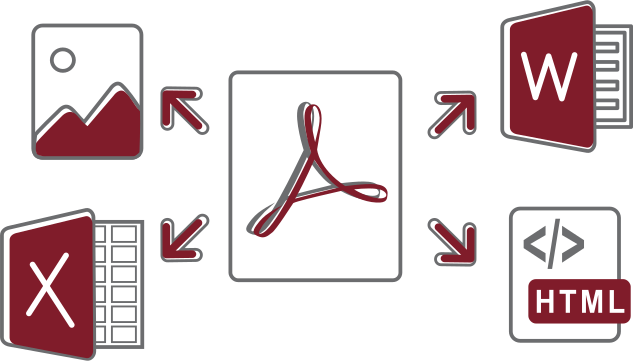
Convert PDF to all popular Formats
Gives API to your Apps to convert PDF documents to all essential popular formats: DOCX, RTF, HTML, Excel, Text, XML, Images, Multipage TIFF, JPEG, PNG, Bitmap.

Fast, Efficient and Independent
Save memory and time with the lightweight and very fast API architecture. Completely written in C#, it's absolutely standalone and does't have any dependencies of Microsoft Office or Adobe Acrobat.

Full .NET Support for Windows, Linux, and macOS
Develop for any .NET platform or major operating systems with a single code base. Use in your apps for .NET Framework, Mono, Xamarin.iOS, and Xamarin.Android.
Recreate real Tables
Any PDF document doesn't have real tables. If you see a table inside a PDF, in fact it's a set of graphics lines. Our component can understand and recreate real-world tables with rows and cells from set of orthogonal lines and text.

Wide-set converting Options
Thanks to a lot useful settings and options, you may set up the conversion result as you wish! Generate Word documents in three various modes. Set the custom image format, DPI and scaling for images. Generate fixed and flowing HTML. Load fonts embedded in PDF or not. Specify page range and a lot of more.
Deploy Apps to the Cloud
Be everywhere with cloud-based deployment. With help of Nuget, SautinSoft.PdfFocus can be easily deployed to Azure, AWS, and AWS Lambda.
Input & Output Formats
- Input Formats
- PDF 1.0 - 2.0, PDF/A. The component can read and parse all types of PDF documents. It supports PDF documents generated by Adobe software and other third party applications. The component has own PDF reader.
- Output Formats
- DOCX. The component produces documents in DOCX (Office Open XML) format according with ECMA-376 (4th Edition) specification. The full format specification is supported. If you are looking only for C# class to parse and render DOCX documents, use our Document .Net.
- RTF. The component creates RTF documents 1.8. The component has own RTF render. If you are looking only for C# class to parse and render RTF documents, use our Document .Net. Produced RTF documents can be opened in MS Word, Open Office, WordPad and other processors.
- Text. There is nothing special here, only a thing: unicode characters are supported too.
- HTML. Produces HTML5 documents with CSS, they are completely compatible with IE, Chrome, Mozila and W3C Markup validation service.
- Images. PDF Focus .Net offers great abilities to rasterize PDF documents to images: JPEG, PNG, TIFF, multipage-TIFF, Bitmap, GIF and, furthermore, into "System.Drawing.Image".
- Excel. Produces Excel documents in following formats: CSV, XLS 97-2003, XLSX workbooks spreadsheets. The component can find tables even with invisible borders and create from them an Excel spreadsheet.
- XML. Produces well-formed XML 1.0. You may also specify custom names for XML nodes.
Feature Highlights
Convert PDF to HTML
Offers a lot of options during PDF to HTML converting: choose between HTML5, 4.01, 3.2, Xhtml 1.01, control storing of CSS and images, set up a document title, page layout, margins and so on.
Convert PDF to Word
The best accuracy of PDF to Word conversion with a lot of options: three conversion modes, detect tables, rasterize vector graphics, multilingual support and preserving of embedded fonts.
Extract Images from PDF
Extract raster and vector graphics and images from PDF documents. Allows to filter image extraction by min and max size.
Convert PDF to Excel
Create Excel workbook and sheets from PDF documents on fly. Allows to control which data (tabular or non-tabular) from PDF will be placed to worksheet.
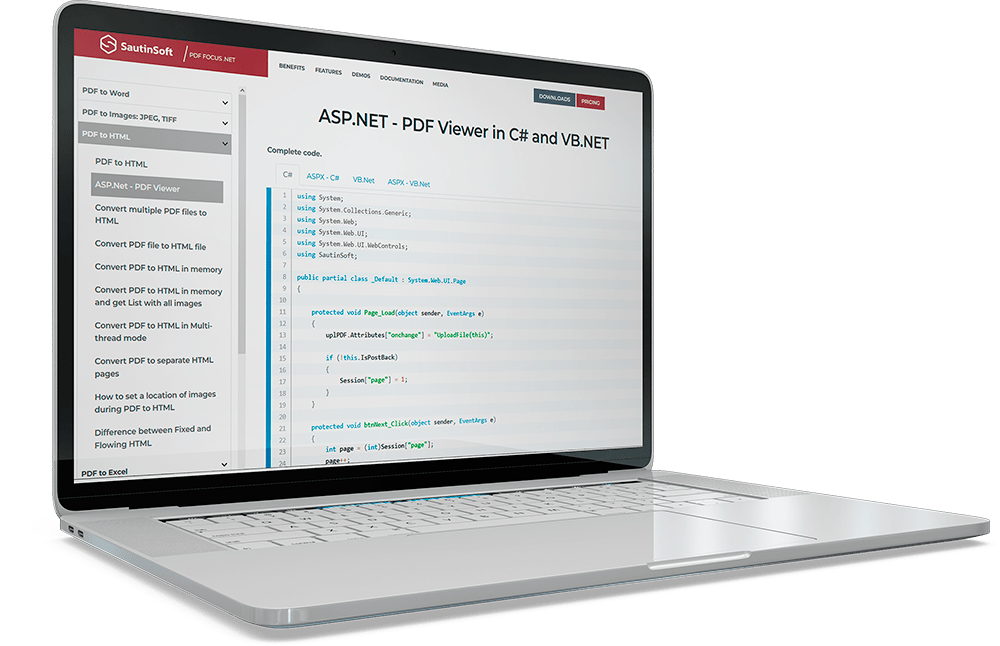
ASP.NET - PDF Viewer
Here you'll find ASP.Net application to view PDF documents based on the PDF Focus .Net component.
Convert PDF to Image
Convert and rasterizer PDF documents to various Images formats: PNG, Jpeg, multipage TIFF, animated GIF. Control the dpi, quality, compression, color depth and other aspects.
Explore the Advanced Features
Actually the component can convert PDF documents with a lot of options, such as: Detect Tables, Rasterize vector graphics, Embed fonts in DOCX, Show Hidden Text and a lot of other. See the Developer Guide to find out simple, advanced and complex examples, it contains more than 50 examples.
Easy Licensing and Distribution
Trusted by the World's Leading Companies


